
Updating the operating system and programs Keeping your operating system up to date is one of the most effective ways to protect your computer from viruses and other threats. Developers are constantly finding vulnerabilities in software through which hackers can gain access to your device. By installing updates, you close these security holes and significantly…
Category: PC Basics

Popular cloud storage services and their features Today there are many cloud storage, each offering its own features and benefits. The most popular are Google Drive, Dropbox, iCloud, OneDrive and Yandex.Disk. Google Drive is convenient for those who actively use the Google ecosystem, Dropbox is famous for its simplicity and stable synchronization, and iCloud integrates…

Selecting the optimal operating system and setting it up Comfortable work at the computer starts with choosing the right operating system. Windows is suitable for those who work with a wide range of programs and games, macOS is for those who appreciate stability and integration with other Apple devices, and Linux is for advanced users…
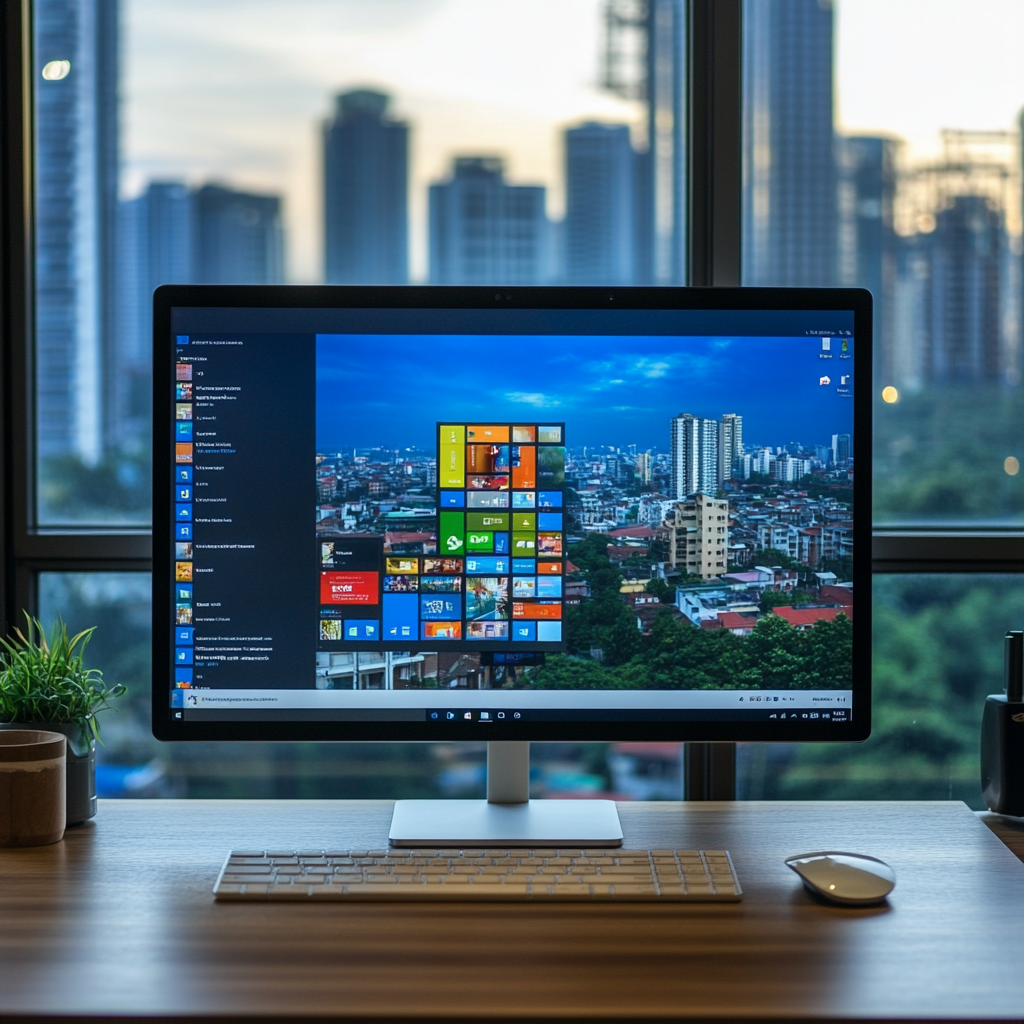
Desk: first acquaintance The desktop is the main space that the user sees immediately after starting the Windows system. Shortcuts to programs, files and system elements are located here. The desktop background usually displays a wallpaper that you can change to suit your taste. Shortcuts help you quickly launch the applications and documents you need,…